
PC system requirements
The Steam page asks for Windows 10, 4 GB of RAM, a DirectX 11 card like the GeForce GT 610 and 6 GB of disk at minimum, with 8 GB of RAM and a GTS 450 recommended.
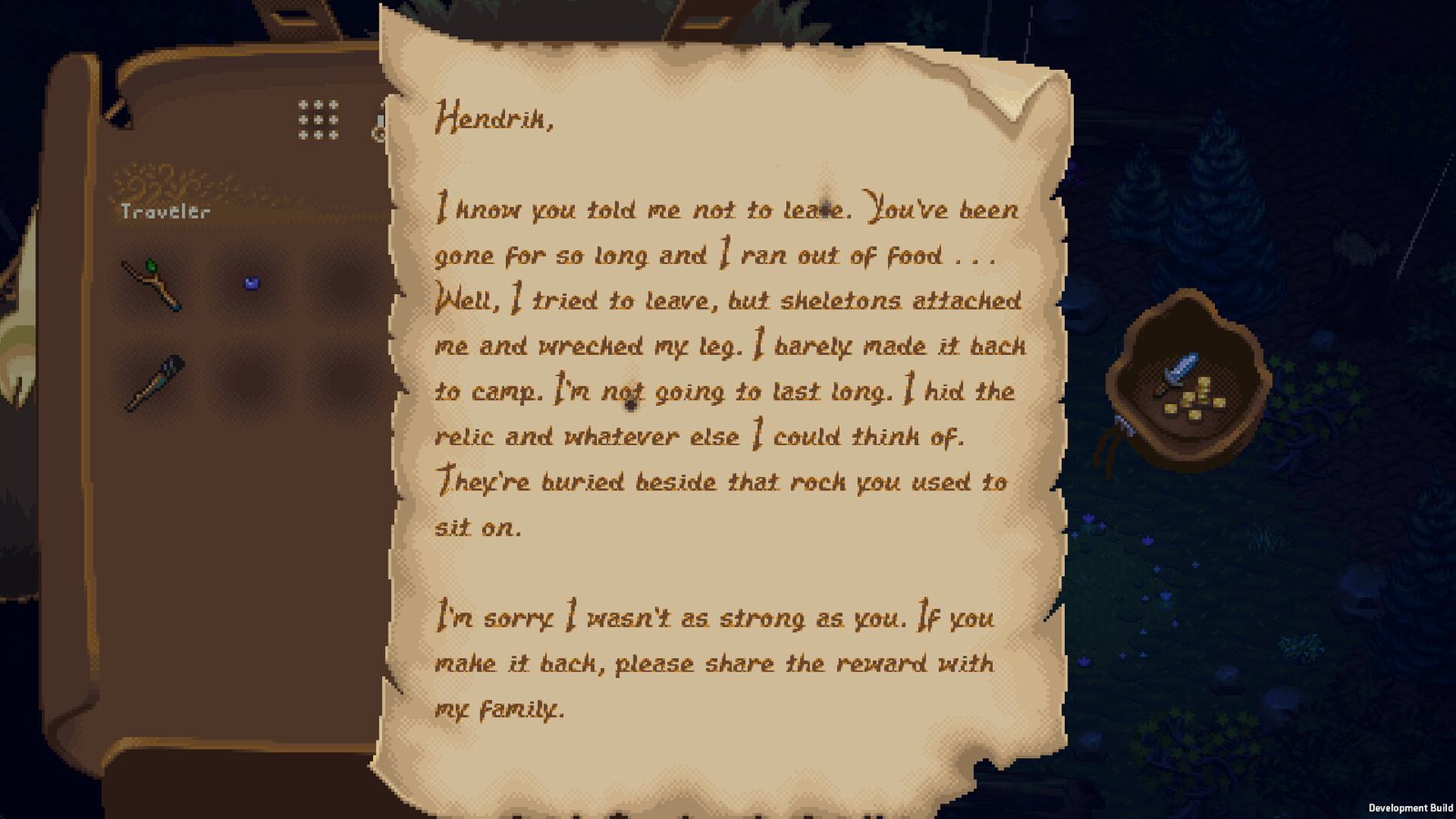 Official Steam screenshot
The World of Anterra PC requirements are short, and they are unusually modest for a game with a custom lighting engine and hand-animated water. Steam lists Windows 10, 4 GB of RAM, a DirectX 11 graphics card from the entry level of the 2010s and 6 GB of disk space as the minimum, with 8 GB of RAM and a slightly newer card recommended.
That is the entire official specification. Everything below is the table as published, followed by what each line means in practice, so you can decide whether the machine you already own will run it.
The official table
| Component | Minimum | Recommended |
|---|---|---|
| OS | Windows 10 | Windows 10, Windows 11 |
| Processor | Intel Core 2 Duo E8600 or AMD Phenom II X4 945 | AMD FX 4300 or Intel Core i3 2120 |
| Memory | 4 GB RAM | 8 GB RAM |
| Graphics | AMD Radeon R5 230 or Nvidia GeForce GT 610 | AMD Radeon R5 340X or Nvidia GeForce GTS 450 |
| DirectX | Version 11 | Version 11 |
| Storage | 6 GB available space | 6 GB available space |
Both columns are from the Steam store page, checked 27 October 2026. There are no macOS or Linux rows, because the store page lists Windows only.
Reading the minimum column
The minimum is a genuinely old baseline. The Core 2 Duo E8600 launched in 2008, the Phenom II X4 945 in 2009, and the GeForce GT 610 is a 2012 office card. A machine that clears that bar is a decade-old desktop, not a gaming laptop.
The 4 GB memory line is the one to take seriously. Modern Windows 10 and 11 idle at roughly 3 to 4 GB with a browser open, so a 4 GB machine will technically launch the game and then fight the operating system for memory. If the machine has 8 GB, you are already at the recommended figure.
The 6 GB storage figure is small enough that it will not shape any buying decision, but it does tell you something useful: the game ships as 2D art, audio and code, not as a stack of 4K textures.
Reading the recommended column
The recommended side is not a big jump. An FX 4300 or Core i3 2120 is a budget CPU from 2011 to 2012, and the GTS 450 is a 2010 mid-range card. The studio is signalling that World of Anterra is designed to run on ordinary hardware, which fits the art direction: hand-drawn sprites scale in cost with animation layers and lighting, not with texture resolution.
DirectX 11 in both columns is the practical gate. Any card that only supports DirectX 10 will not run the game regardless of how fast it is, and very old integrated graphics may report DirectX 11 support while failing on shader features. If you are on Intel integrated graphics from before roughly 2015, expect trouble.
What the spec sheet does not cover
Three things players usually want from a requirements page are not in the official listing.
| Question | What the official listing says |
|---|---|
| Will it run on a Steam Deck? | No compatibility rating is published on the store page |
| Does it need an SSD? | Storage is listed only as 6 GB available space |
| Is an internet connection required? | Not stated in the requirements block |
| Are there accessibility options? | The studio says accessibility is important and support is planned |
The store page does carry Steam Cloud, Family Sharing and full controller support, including DualShock and DualSense support and the Steam Input API. Those are features rather than requirements, but they matter for how you will actually play: controller support is listed as full, so a gamepad is a supported way to play from day one.
Laptop versus desktop
The spec sheet is written for desktops, and the two columns hide a laptop problem. A mobile GPU with the same name as a desktop card is usually slower, and a thin laptop that meets the 4 GB memory minimum will still throttle once the CPU and GPU share a heat budget.
If you are on a laptop, compare against the recommended column rather than the minimum, and check that the machine has a discrete GPU at all. Integrated graphics that claim DirectX 11 support are the most common source of "it launches and then runs at fifteen frames" reports on games with this profile.
Why the numbers are worth trusting
The requirements block on a Steam page is filled in by the developer, not generated by Valve, and it is the same block the studio will reuse for the launch build. For a game with a custom lighting engine, that block is a useful signal: a studio that expected heavy GPU load would not put a 2012 office card in the minimum column.
The corollary is that the numbers describe the game as it is being built, not the demo builds shown to backers. If the lighting or water systems get heavier before launch, the recommended column is where a change would appear first.
If your machine is borderline
A few checks are worth doing now rather than on launch day.
- Confirm the GPU supports DirectX 11 with feature level 11_0, not just "DirectX 11 compatible" in a system report.
- Free up the 6 GB plus headroom; a laptop with a full system drive will stutter on asset streaming even when the spec sheet says it fits.
- Check the OS build. Windows 10 is the minimum, and the recommended column lists Windows 11 as well.
- If you plan to play with a controller, confirm the pad works in Steam first; DualSense support is listed, and Steam Input can carry the rest.
The release date and platforms guide covers which platforms have a store page, and co-op and multiplayer explains what the multiplayer tags mean for a second player on the same machine.
Next
- Release date and platforms — the 2026 window and the Desktop & Console wording.
- What is World of Anterra? — why a hand-drawn RPG asks so little of your GPU.
- Co-op and multiplayer — split screen, online co-op and Remote Play Together.
Short version: an eight-year-old desktop with 8 GB of RAM and any DirectX 11 card clears this comfortably, and a modern laptop with integrated graphics is the case to check twice.